


Bank account details, Social Security numbers, email addresses and online passwords: this is sensitive, personal information that cybercriminals are always trying to steal. By practicing good cybersecurity hygiene, you can reduce your risks of identity theft, fraud and financial loss.
Here are 10 practical tips to help keep your personal information safe both online and offline.
10 Tips for Protecting Your Personal Information
1. Create Strong, Unique Passwords
If you use the same password for multiple accounts, let this be your sign to stop. Having one password makes it much easier for fraudsters to access your accounts and steal money or personal information.
Use passwords that are unique to each account. They should combine uppercase and lowercase letters, numbers and special characters. If you need help managing passwords, you can download an extension for your browser that securely stores passwords for each website and helps generate strong ones for new accounts.
2. Enable Multi-Factor Authentication
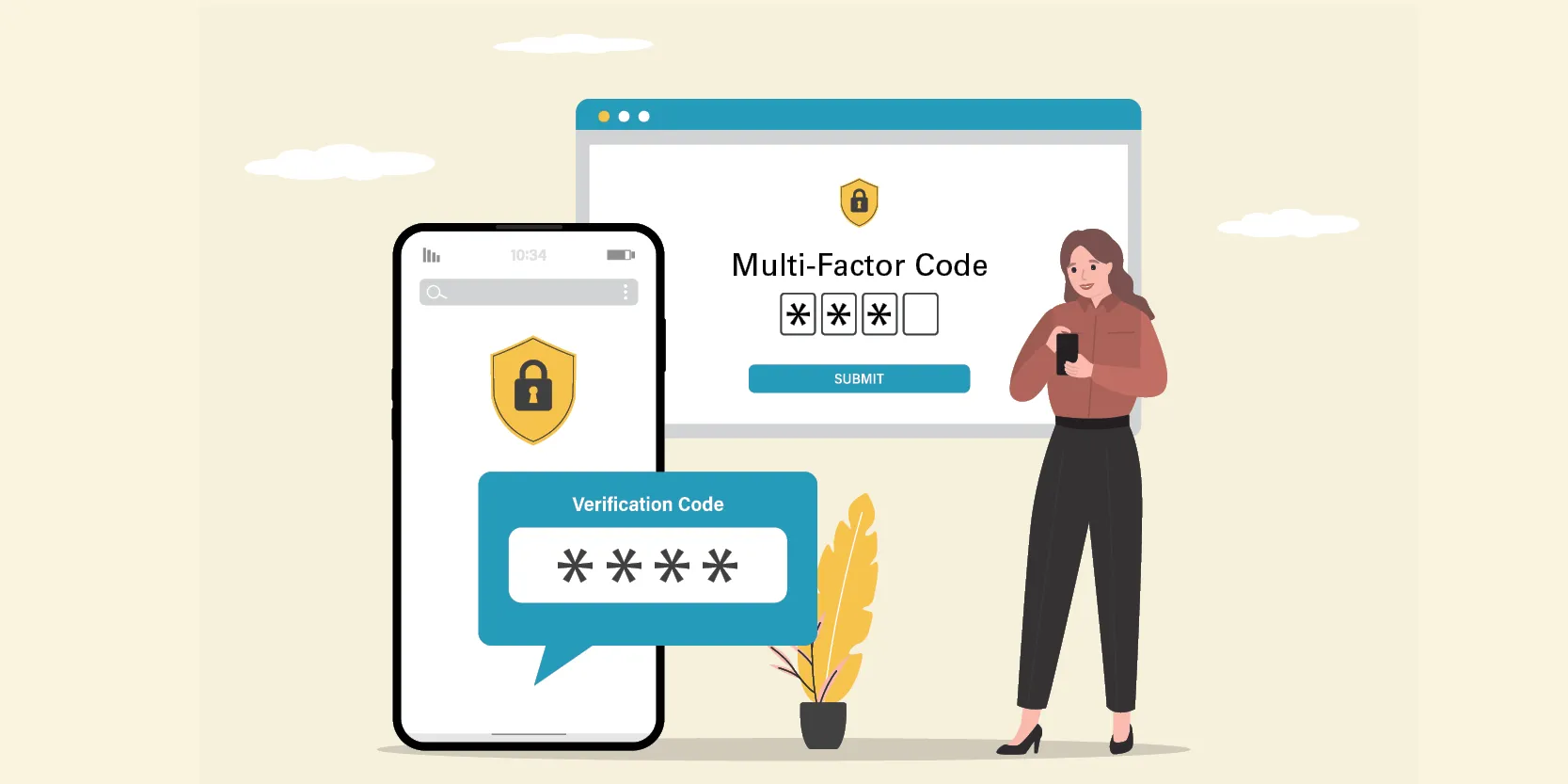
Multi-factor authentication (MFA) requires you to verify your login, usually from your phone or email, after you enter your password. Even if a scammer can guess your password, they can’t get into your account without the verification that only you receive.
3. Monitor Your Bank Accounts and Credit Card Statements
Reviewing your accounts regularly can help you catch fraudulent activity early.
If you notice a suspicious transaction on your Apple FCU Online Banking account, select the transaction and then Help next to the question mark icon. You’ll see an option to report the transaction as an error or as fraudulent activity.
In Online Banking, you can also navigate to Account Services > Disputes to start a new dispute or review existing disputes.
On both Apple FCU Online and Mobile App, you can set alerts and controls for your cards under Manage Cards. If your card information is compromised, these alerts will help you catch it straight away.
4. Check Your Credit Report
It’s crucial to regularly review your credit reports. If someone has taken out a credit card or loan in your name, this will help you catch it early.
Experian recommends doing a deep dive into your credit score and credit report once a year. If you’re trying to improve your credit or are recovering from identity theft, you can check more often.
5. Learn How to Spot a Phishing Scam
Some phishing scams are obvious. Others are not.
With the help of AI, fraudsters have gotten a lot better at mimicking trusted organizations or loved ones over email, text and even phone calls.
If you receive a communication that feels strange or is urging you to act quickly, always verify first. Call your loved one or the organization to authenticate the communication.
Apple FCU will never reach out to you asking for passwords or MFA codes.
6. Protect Your Social Security Number
Your Social Security number (SSN) is one of your most valuable pieces of personal information. Identity thieves can do a lot of damage if they obtain it.
Whenever an organization requests your SSN, always ask why it’s needed and how it will be protected. Only provide it in cases where it’s absolutely necessary. Additionally, keep your SSN card at home in a secure place rather than your wallet or purse.
7. Keep Your Security Software Updated
Always update your security software and devices as soon as possible. These updates can include important security updates to protect against new threats.
8. Pause Before You Share
It’s fun to share pictures from a birthday party or your family vacation. However, these posts can reveal sensitive information: many institutions ask for your birthday to confirm your identity, and sharing that you’re away from home alerts thieves that your house is empty.
Be selective about what you post and carefully review your followers, removing or denying requests from people you don’t know.
9. Connect to Secure Networks
Cybercriminals lurk on unsecured public Wi-Fi networks and can use them to access your sensitive information. Avoid using public Wi-Fi, and rely on your mobile data plan or a virtual private network (VPN) if you do need to get work done in public.
10. Shred Sensitive Documents
If you have financial statements, medical records or other sensitive documents that you no longer need, it’s better to shred them rather than just throw them away.
Apple FCU hosts free shred events throughout the year to help you safely dispose of old papers. Check out our Events page to see where the shred truck will be next.
Stay Vigilant and Report When You Need To
By following these tips and incorporating them into your day-to-day, you’ll significantly reduce fraud and identity theft risks that can compromise your finances.
If you suspect fraudulent activity on your Apple FCU account, contact us immediately so we can secure your information and finances as quickly as possible.